 ChatGPT
 Claude
 Perplexity
 Google AI
How to Automate Social Media With AI Agents (Without Losing Your Voice)
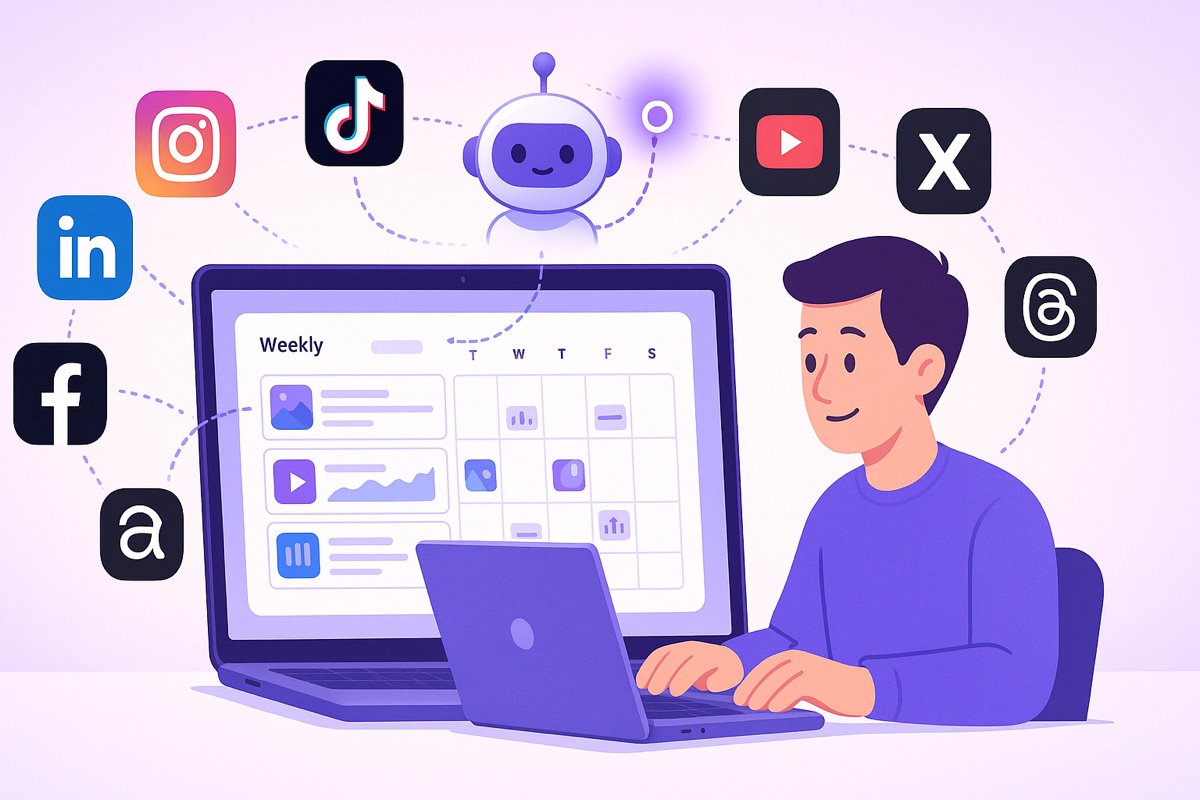
Short answer: you automate social media with an AI agent by connecting your publishing tool to an assistant like Claude or ChatGPT over MCP, briefing the agent once per cycle, and keeping one human approval step before anything goes live. The agent drafts each post, adapts it to the network it lands on, and puts it in your queue as a scheduled post — it doesn't get the keys to your social accounts, only a scoped set of actions inside the tool you already use. Your voice survives that handoff for one reason: you give the agent your own past posts and written guardrails instead of adjectives, and you never delete the approval step.
Most "social media automation" is just a fancier scheduler. You still write every caption, resize every image, and copy-paste the same idea into five different tabs. The work didn't disappear — it moved to a calendar.
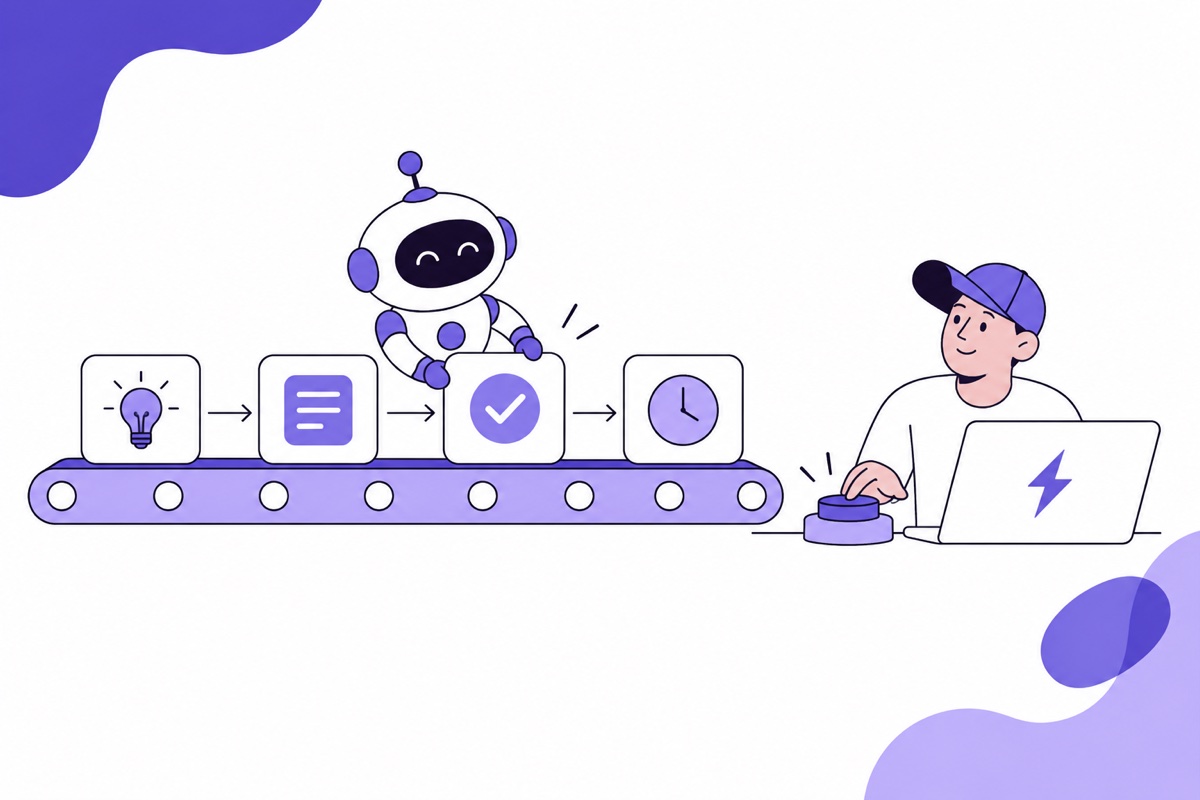
AI agents change the shape of that work. Instead of you operating the tool, the agent operates it for you: it drafts the week, adapts each post to the network it lands on, queues everything, and hands it back to you for a yes or no. You stop being the operator and start being the editor-in-chief.
Here's how it actually fits together — and where the human still belongs.
What's the difference between a scheduler and an AI agent?
A scheduler stores the post you already wrote. An agent writes it, decides where it goes, and puts it in the queue itself.
The manual loop looks like this: brainstorm → write → reformat per platform → schedule → repeat. Every step is a context switch, and the reformatting tax is brutal — a LinkedIn post is not an X post is not a TikTok caption.
That tax isn't only about tone. The networks genuinely don't accept the same object. LinkedIn's Posts API, for example, will publish a text post, an image, a video, a document, a poll or a multi-image post organically — but a carousel only as sponsored content, never organic, per LinkedIn's own Posts API reference. Instagram, meanwhile, caps a carousel at 10 items and counts the whole thing as one post (Meta's content publishing docs). "Post the same carousel everywhere" is not a thing you can do, and any tool that implies otherwise is hiding a failure from you.
The agent loop collapses the work anyway: you describe the goal ("plan next week around our product launch, LATAM audience, Spanish and Portuguese"), and the agent returns a full draft calendar, already shaped per network. You read it like a manuscript, edit what's off, approve the rest. One decision replaces twenty.
The unlock is that the agent talks to your publishing layer directly, so it can actually do the scheduling — not just suggest captions you then re-enter by hand.
How does an AI agent connect to your social accounts?
Through MCP — and, importantly, not directly.
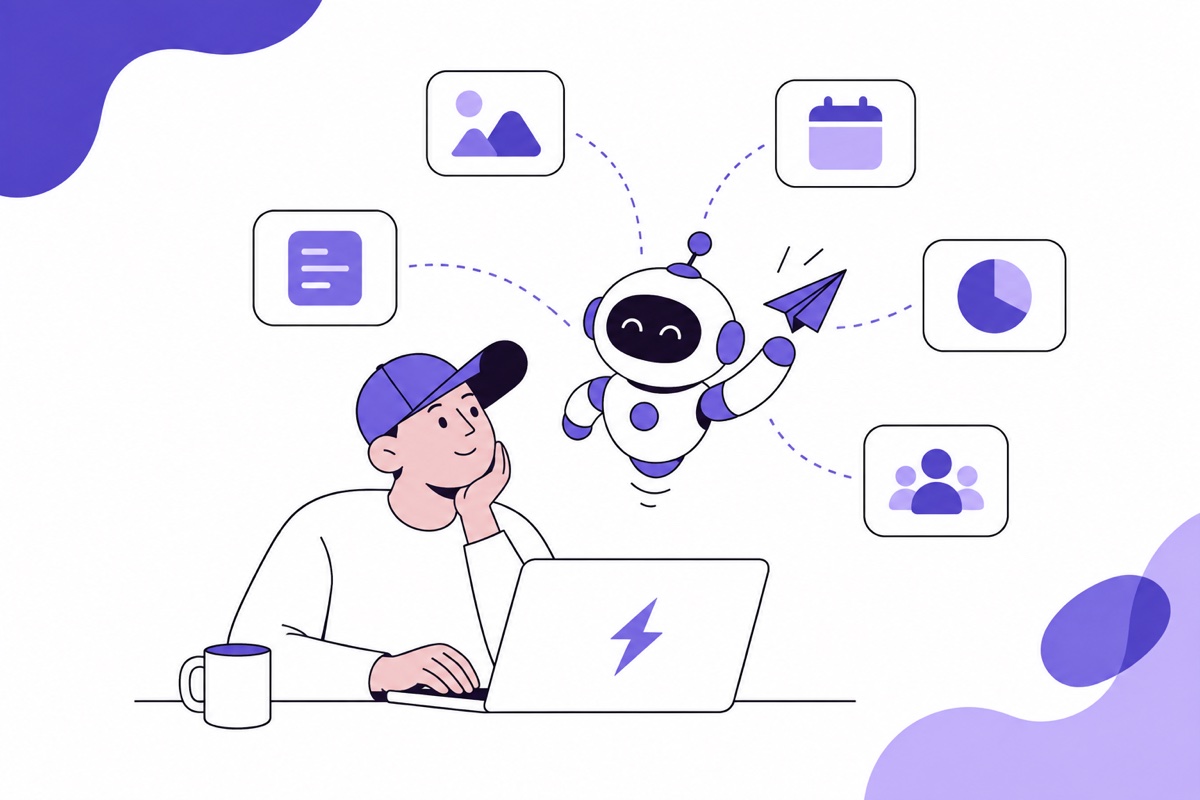
MCP (Model Context Protocol) is an open standard that lets an AI application call real tools instead of only producing text; the maintainers describe it as "a USB-C port for AI applications", and both Claude and ChatGPT support it. When you connect PosteAhora over MCP, an agent gains a small, fixed set of verbs: list your connected accounts, create a post, schedule it, publish now, upload media, read analytics. That's the whole surface. There is no verb for "change my password" or "read my DMs", because those tools don't exist to be called.
Crucially, the networks enforce their own half of this too. LinkedIn rejects a
write unless the token carries w_member_social or w_organization_social and
the account holds the right page role. TikTok goes further: until your API client
passes TikTok's own audit, everything it publishes is
forced into private viewing mode,
no matter what your agent asks for. The agent isn't handed the keys to each
social network — it's handed a scoped token inside the tool you already
authorised, and the network still gets the last word.
Rate limits work the same way. Instagram allows 100 API-published posts per
account in a rolling 24-hour window, carousels counting as one, and Meta
explicitly recommends that scheduling tools enforce that limit themselves. X caps
POST /2/tweets at 100 per 15 minutes per user, per
X's published rate-limit tables.
An agent that "posts as much as you want" is either lying or about to collect a
stack of 429s on your behalf.
Every action lands in your queue where you can see it, edit it, or delete it before anything goes live. That scoping is what makes automation safe enough to actually use. The agent proposes; you dispose.
What does a week of agent-run social media look like?
Four steps, one human checkpoint. Here's the concrete flow a small brand runs every Monday:
- Brief the agent. One message: the theme of the week, the audience, the languages, and any hard dates (a launch, a sale, a holiday).
- Agent drafts the calendar. It writes each post in the voice you've given it, then rewrites it per network — tighter for X, more narrative for LinkedIn, hook- first for TikTok and Reels.
- You review in one place. The drafts arrive in your queue as scheduled posts. You skim, fix a headline, swap an image, kill the one that misses.
- Approve and forget. Approved posts publish themselves at the right local times across every network. Nothing is posted that you didn't sign off on.
The magic isn't that a machine writes for you — plenty of tools do that badly. It's that the writing, the reformatting, the scheduling and the cross-posting happen in one continuous motion, with a single human checkpoint in the middle.
How do you keep your own voice when an agent writes?
By giving it constraints it can actually follow. An agent will happily generate confident, generic slop if you let it. The fix is real inputs, not vibes:
- Feed it your own posts. Paste ten captions you're proud of. "Match this voice" beats any adjective.
- Write the guardrails down. Banned phrases, claims you can't make, the emoji budget, the exact CTA. Agents follow rules far better than they follow taste.
- Keep the human edit. The approval step isn't a formality — it's where your voice gets defended. Ten seconds per post keeps the feed sounding like a person.
Do this once and the agent stops sounding like an agent. Skip it and every brand ends up with the same three LinkedIn openers.
Where should social media automation stop?
At anything that's a relationship or a judgment call. Replies and DMs are relationships, not throughput — keep those human. Sensitive or reactive posts (an outage, a condolence, anything political) should never be pre-queued by a machine. And analytics should inform you, then you re-brief the agent — don't let it optimize itself in a loop toward whatever spikes engagement this week.
Automate the assembly line. Keep the judgment.
How should you start?
Small, with one network. You don't need to hand over your whole calendar on day one. Connect one account, let the agent draft three posts, and approve them by hand. Once you trust the drafts, add a second network and a second week. The workflow scales down to a single creator and up to an agency running many accounts — the loop is the same, only the volume changes.
The point was never to remove yourself from your own brand. It's to stop spending your best hours on formatting and scheduling, and spend them on the ideas and the relationships a machine can't have for you.
FAQ
Can an AI agent post directly to Instagram and TikTok?
Yes, through each platform's official publishing API, with conditions. Instagram
publishing requires a professional (business or creator) account connected to the
app with content-publishing permissions, and JPEG is the only image format its
API accepts. TikTok requires your API client to be approved for the
video.publish scope, and content from an unaudited client is restricted to
private viewing until the client passes TikTok's audit. So "an agent posts to
TikTok for me" is true — but only once the tool you're using has cleared that
audit itself.
Is it safe to let an AI agent access my social accounts?
It's safe when the agent never touches the accounts directly. In an MCP setup the agent calls a fixed list of actions inside your publishing tool — list accounts, create, schedule, upload, read analytics — using the same OAuth token you already granted, with the same permissions and the same rate limits. It can't exceed what your own account can do, and it can't reach anything the tool doesn't expose as a tool. The real risk isn't a rogue agent; it's a bad post published without anyone reading it, which is exactly what the approval step is for.
How many posts can an AI agent publish per day?
The platform decides, not the agent. Instagram allows 100 API-published posts per
account per rolling 24 hours, with a carousel counting as one post. X allows 100
POST /2/tweets calls per user per 15 minutes. Those ceilings are far above what
any sane content calendar needs — if you're anywhere near them, volume is not
your problem.
Do I still have to review every post?
Yes, and it costs less than you think — roughly ten seconds a post. The review step is doing two jobs at once: it's your quality gate, and it's the training signal for the next brief. What you fix by hand this week is what you write into the guardrails next week, until the drafts stop needing fixes.
What's the difference between AI social media scheduling and an AI agent?
AI scheduling means the tool suggests times or captions and you still drive. An AI agent means the assistant holds the whole loop — it plans, writes, adapts per network, and files the post into the queue — and you review the output instead of operating the interface. The practical test: if you're still copying text from a chat window into a composer, you have a writing assistant, not an agent.