 ChatGPT
 Claude
 Perplexity
 Google AI
How an AI Agent Got 500K+ TikTok Views in One Week

For years, Oliver Henry did what most small app founders do: design images by hand, write every caption, post daily on TikTok to promote his two iOS apps, Snugly (AI room redesign) and Liply (lip filler preview). It worked, kind of. Some videos crossed a million views. But automating the process took months of failed attempts — including building his own internal SaaS just to try to solve it.
What finally worked wasn't a new video-editing tool or a better content calendar. It was handing the entire job to an AI agent he calls Larry — a system he documented himself, with Larry co-writing parts of the text, in a thread that went viral (7.2 million views) walking through exactly how he did it. The story is worth telling in detail, because the system he built — and especially the mistakes he made before it worked — is something any team scheduling content for a brand, agency, or their own app can reproduce, including with the tools already available in PosteAhora.
Who Larry actually is
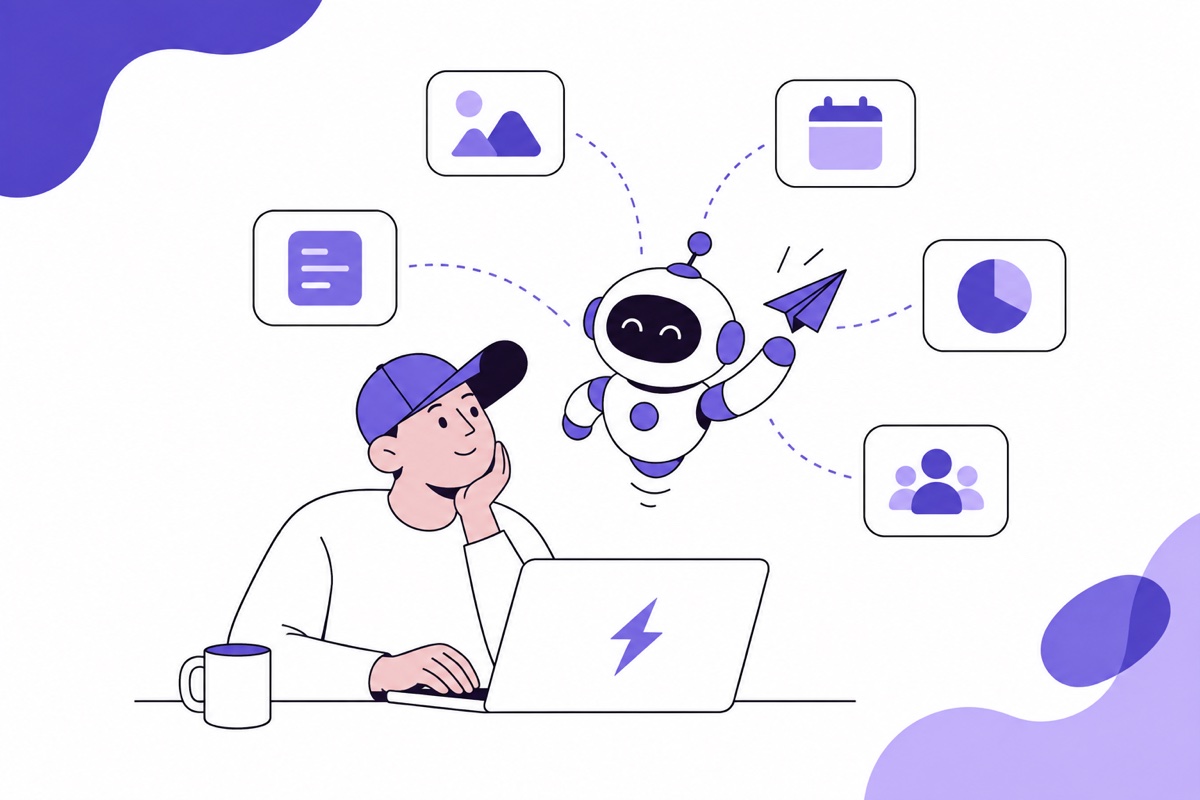
Larry is, literally, Oliver's old gaming PC, an NVIDIA GPU collecting dust under his desk. When he installed an autonomous AI agent on that machine (running Anthropic's Claude as the model), it became something very different from a chatbot: an agent with persistent identity, memory across sessions, read/write file access, and the ability to generate images via API and schedule posts.
Within five days, Larry crossed 500,000 cumulative TikTok views. One single post hit 234,000. Four cleared 100,000. Oliver says he didn't design a single image or write a single caption — his part of the job came down to picking a trending song and hitting publish, about 60 seconds per post. Everything else — generating six images per carousel, writing captions, scheduling the drop — was Larry.
Larry runs on installable skills published on Clawhub, not everything is hand-hardcoded: Larry, the skill that documents this exact TikTok carousel workflow step by step, and RevenueCat (built by RevenueCat's CEO, @jeiting), which gives Larry direct access to subscription metrics to cross-reference TikTok views against real conversion, not just vanity metrics.
The format that exploded: carousels, not video
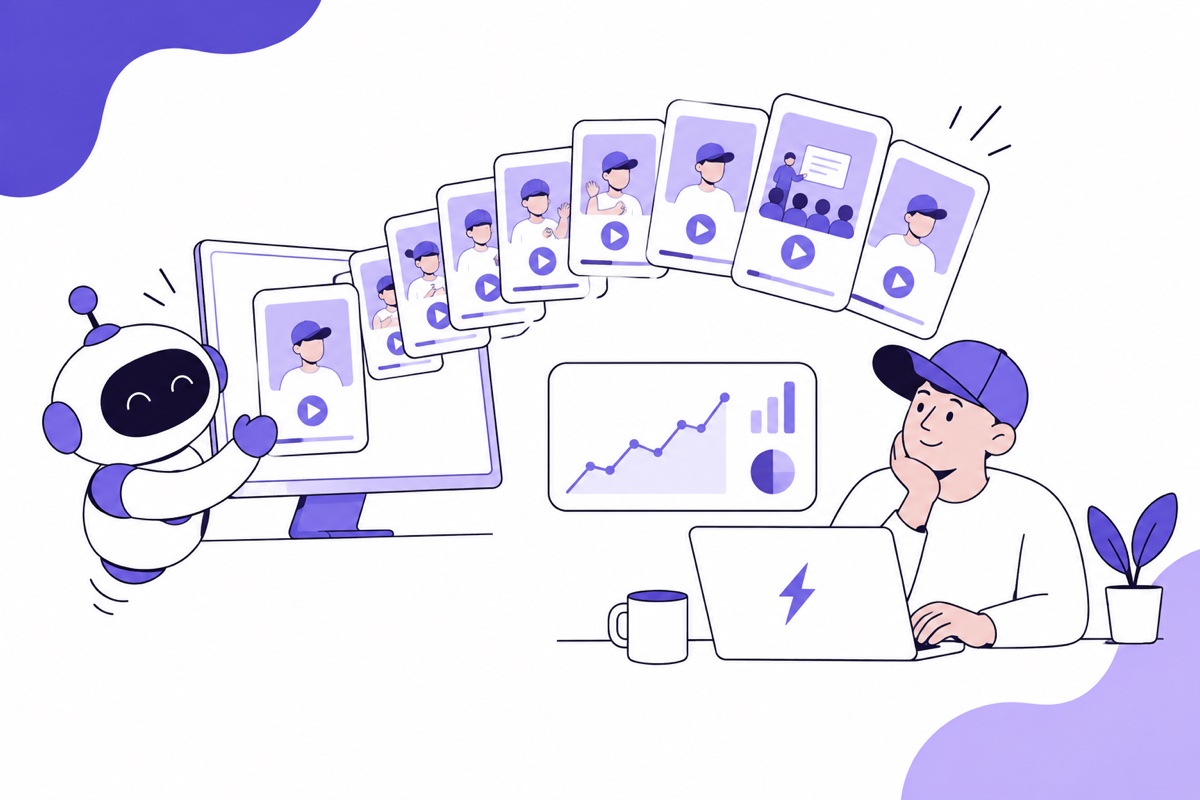
The core discovery in the thread isn't technical, it's about format. TikTok is pushing photo carousels (slideshows) hard right now: according to TikTok's own published data, they generate 2.9x more comments, 1.9x more likes, and 2.6x more shares than traditional video. Every carousel Larry builds follows a fixed recipe: exactly 6 slides, a text overlay with the hook on slide one, a maximum of 5 hashtags, and a caption that mentions the app naturally inside a mini-story.
The hardest part wasn't the technology — it was visual consistency: showing the same room across all 6 slides, changing only the decor style. Larry's fix was to "lock the architecture" — write an extremely detailed description of the room (dimensions, windows, doors, camera angle) and reuse it verbatim in every prompt, changing only the style (wall color, furniture, lighting). When the descriptions were vague, the rooms "changed" between slides and the carousel felt fake.
The hooks that flopped (and the one that worked)
Oliver and Larry's first attempts centered on the product: "Why does my apartment look like it has student debt?" (905 views), "See your room in 12+ styles before you commit" (879 views). None of it took off.
What changed everything was dropping the product talk and telling a story with another person at the center instead: "My landlord wouldn't let me change anything, so I showed her what AI thinks it could look like" — 234,000 views. The formula they landed on: [another person] + [conflict or doubt] → showed them AI → they changed their mind. Any hook following that structure clears 50,000 views minimum; everything else rarely breaks 10,000. It's a storytelling lesson, not a technology one — and it's the most broadly applicable part of the whole thread, regardless of niche.
How it actually got posted: draft first, music second
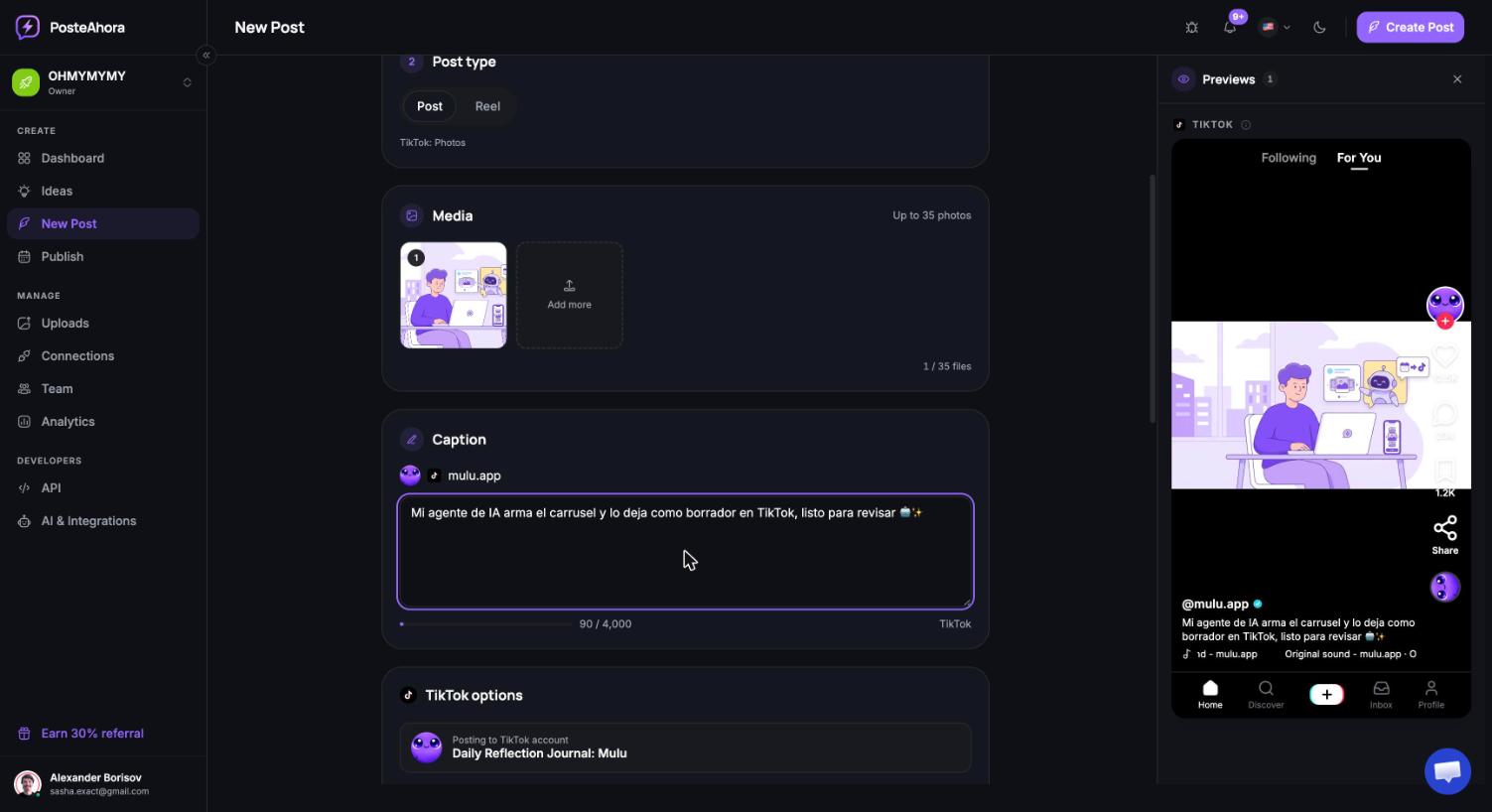
This is the technical detail worth explaining carefully, because it's exactly the same flow you can reproduce today with PosteAhora. Larry generated the images, wrote the caption, and uploaded the carousel as a draft through a social scheduling API — never publishing directly. The reason: music makes or breaks reach on TikTok, trending sounds change constantly, and no API lets you pick a trending audio programmatically. So the agent did 95% of the work (generate, write, schedule as a draft), and the human closed out the last 5%: open TikTok, pick a trending sound, paste the caption, hit publish.
What this same flow looks like with PosteAhora
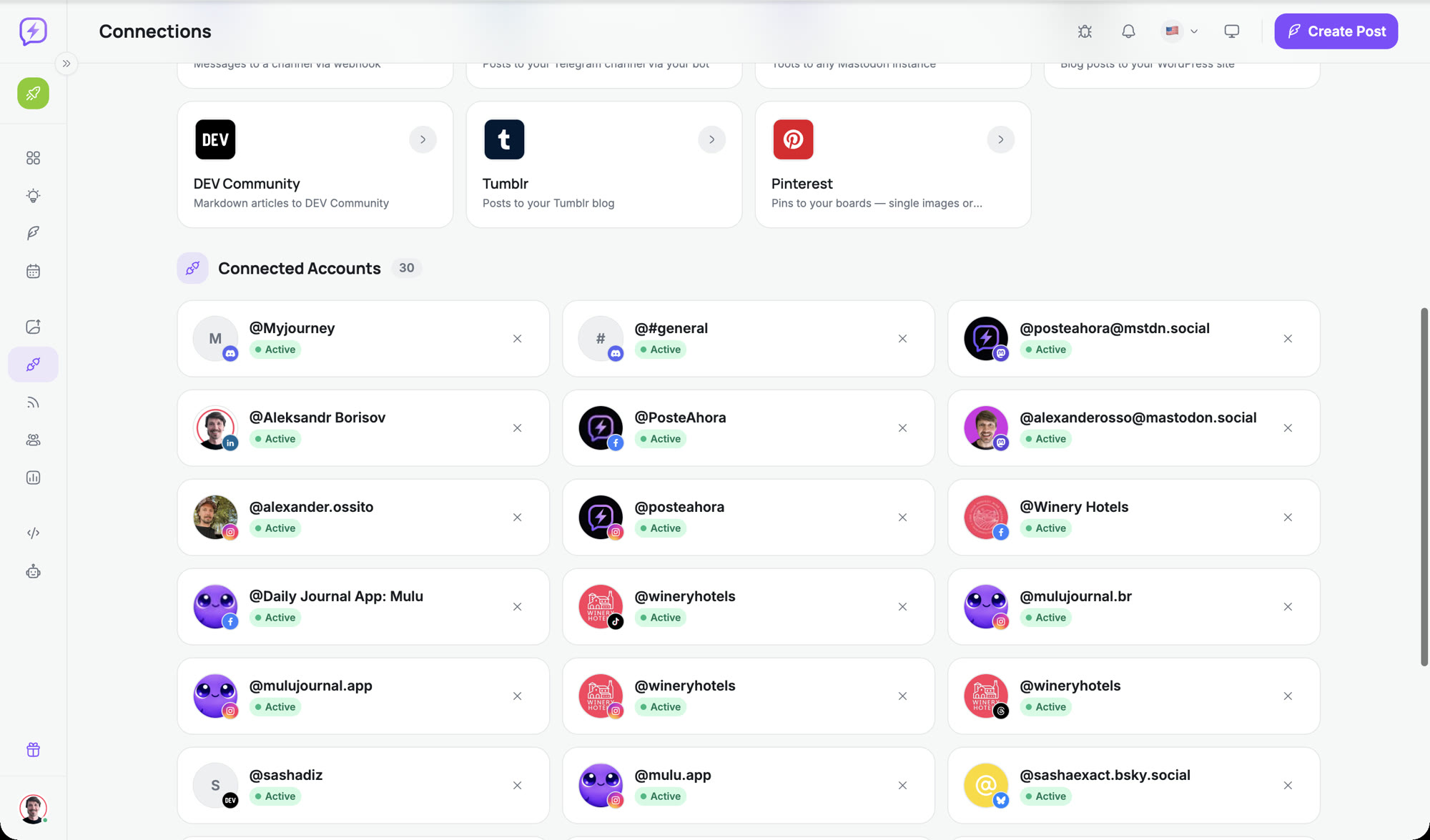
The entire mechanism Oliver describes — a connected account, a post created by the agent as a draft, human review before it goes live — is exactly what PosteAhora's API/MCP exposes today:
- The agent first lists connected accounts to get the
accountIdfor the TikTok account it's targeting (it never publishes blind: PosteAhora requires an explicitaccountIdper platform). - It uploads each carousel image to PosteAhora's storage and gets back a public URL to use in
mediaUrls. - It creates the post specifying
mediaType: "image"(so PosteAhora routes it to TikTok's carousel endpoint rather than the video one), the caption, hashtags, and — the key part —status: "draft", exactly like Larry did.
- It can pass TikTok-specific settings via
platformOptions.tiktok(for example, post visibility) before a human reviews it. - The draft sits waiting in TikTok. A person opens the app, picks the trending sound — the same platform limitation the thread describes, no third-party tool can bypass it — and publishes.
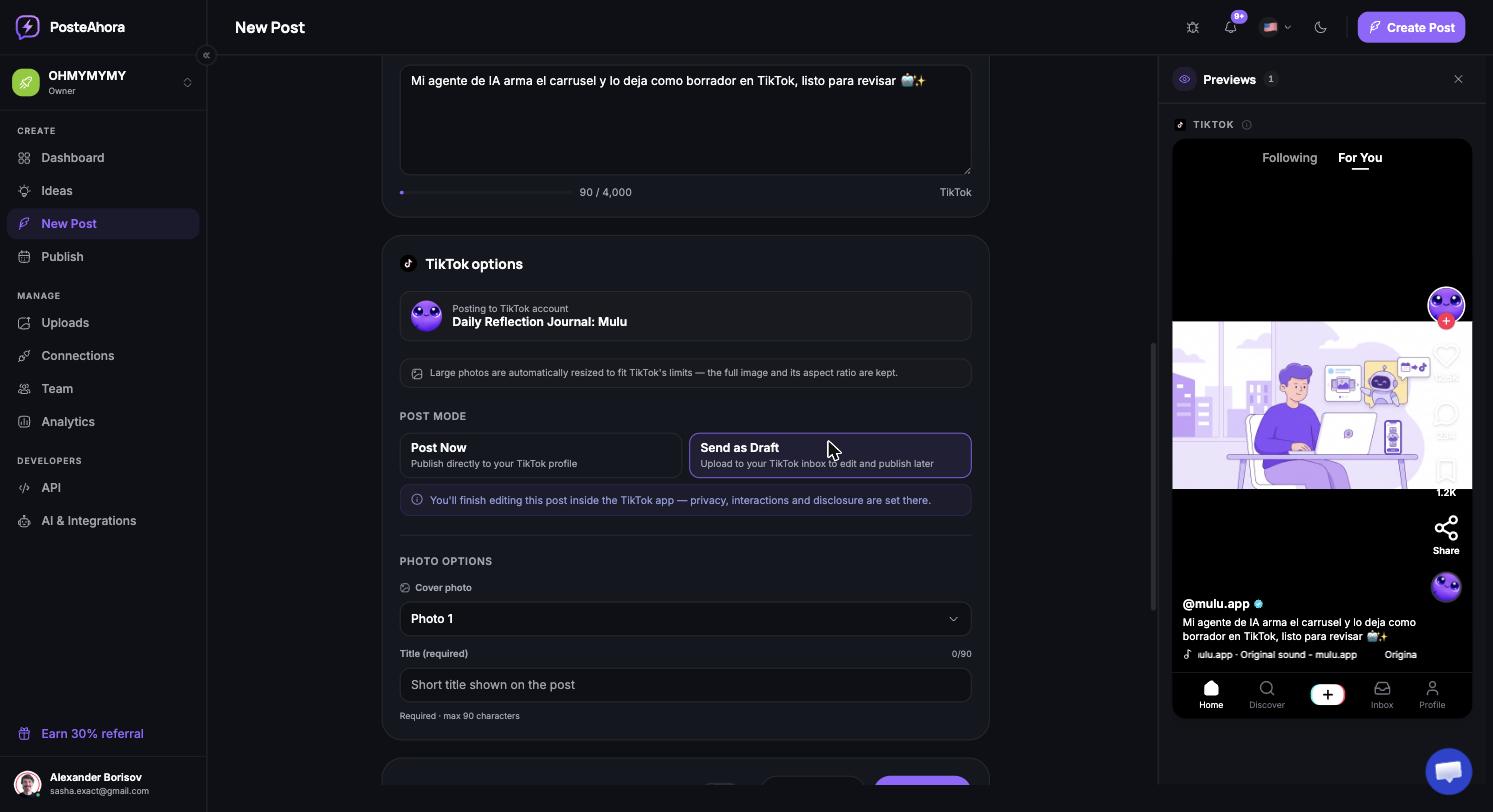
The difference from the manual setup described in the original thread isn't the logic (it's the same) — it's that you don't need to stand up your own infrastructure to connect the agent to the social API. Accounts get connected once through PosteAhora, and any agent with access to PosteAhora's MCP can list accounts, upload media, and create the draft in three calls, without hand-writing an HTTP client.
What broke before it worked
The stumbles are worth mentioning because they're the part that actually teaches something: images generated in landscape orientation when TikTok needs portrait (caused black bars on video), text overlays too small or hidden behind the phone's status bar, and — the most expensive one — generating images with a local model that never looked as "real" as an API-based generation model, despite the cost savings. The lesson that repeats throughout the thread: every failure became a written rule, not a mental adjustment forgotten the next day.
Why this matters for anyone running social for a LATAM brand
Oliver's thread is about two English-language niche apps, but the system is language- and product-agnostic: any brand, agency, or creator scheduling content for Latin America can apply the same structure — an agent that researches what works, generates the visual material, builds the draft, and leaves the final call (sound, publish) to a human. What changes is the scheduling tool: instead of building the connection infrastructure by hand, an agent with access to PosteAhora already has the TikTok channel (plus Instagram, YouTube, LinkedIn, and the rest) connected and ready to receive that draft.
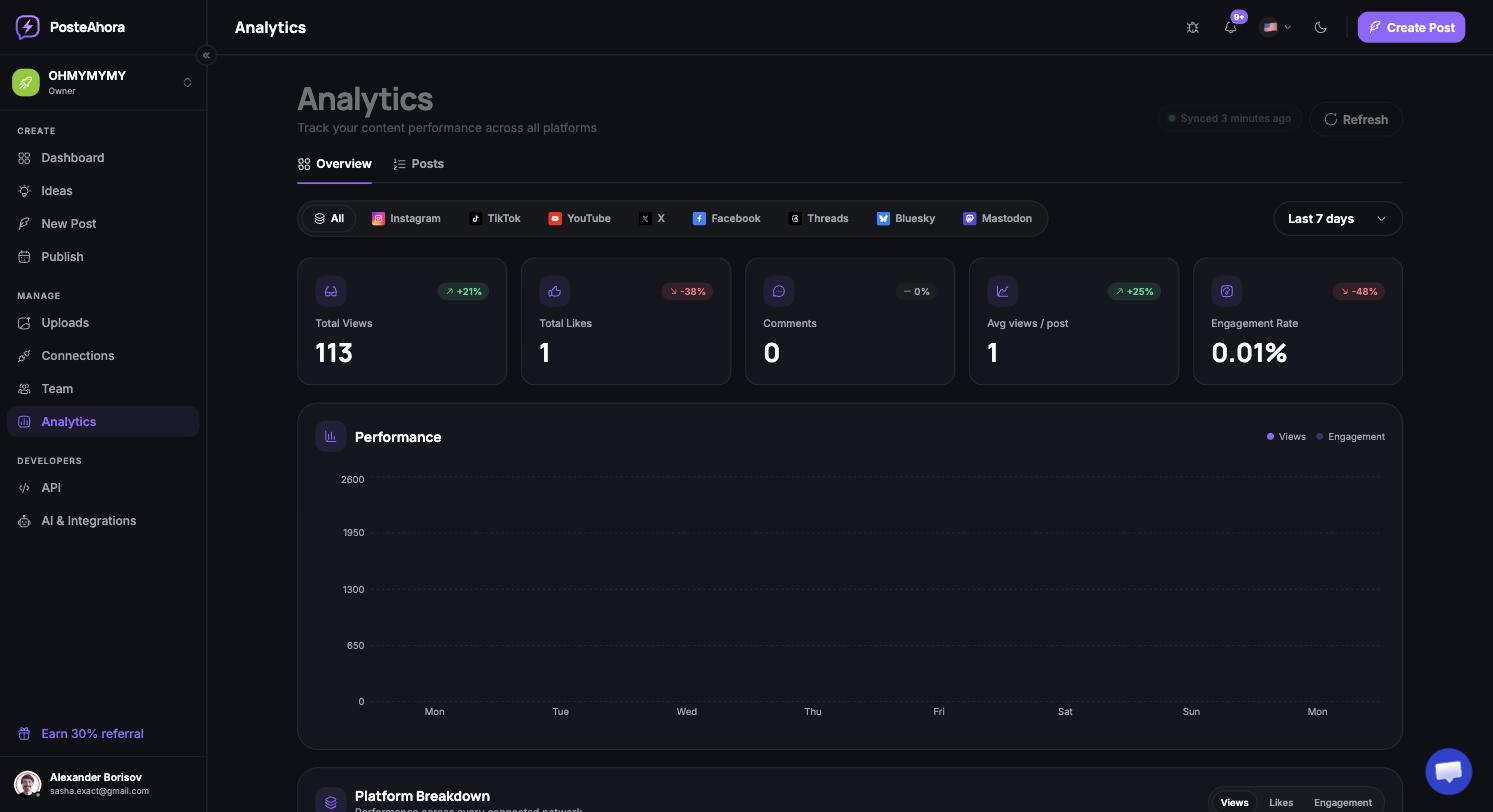
If your team is already experimenting with AI agents for content generation, the real bottleneck usually isn't image generation — it's connecting that agent to somewhere it can publish safely, with review, and without writing custom integrations for every social network. That's where PosteAhora comes in.
Want your agent to build the next carousel and leave it waiting as a draft? Connect your accounts in PosteAhora and try the flow with your own agent today.
Original story told by Oliver Henry (@oliverhenry on X), who publicly documented his system with his AI agent "Larry" to promote his apps Snugly and Liply.